

The On Page SEO Checklist: 35 Checks to Run on Every Page
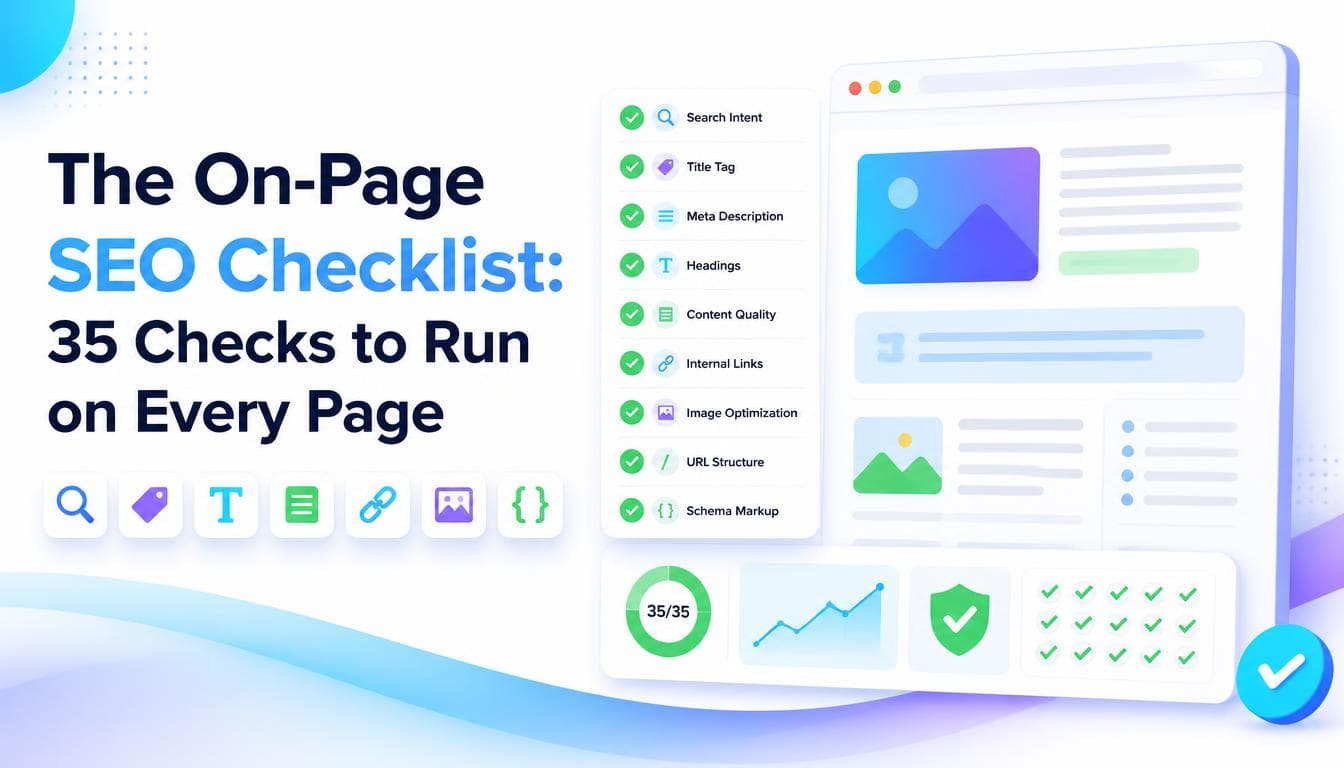
An on page SEO checklist is only useful if it tells you why each item matters, because the same check can be critical on one page and irrelevant on another. This one is built to be run page by page, in order: intent first, then the elements that signal the topic, then the content, then the links and markup that support it. If you want the background on what each element does before you start, read our guide to what on page SEO is first.
Two things before you begin. Run this on pages that are already indexed if a page is not in Google at all, that is a technical SEO problem, and no amount of on page work will fix it. And work on the pages that matter most first: the ones that earn money, and the ones already sitting just outside the top positions for a valuable query.
Intent and targeting
- The page targets one primary query, written down before you touch anything else.
- You have searched that query and looked at what ranks. The page is the same type of result (guide, product page, service page, comparison) as the pages Google already rewards.
- No other page on your site targets the same query. If one does, decide which page wins and merge, redirect or re target the other.
- The page answers the question behind the query, not just the words in it. "Best CRM for small teams" wants a comparison, not a feature list for one product.
Cannibalisation is the check most often skipped and the one that most often explains a stuck page. Google Search Console's performance report, filtered by query, shows you when more than one of your URLs is earning impressions for the same term.
Title tag and meta description
- The title tag contains the primary topic, ideally near the start.
- The title fits within roughly 600 pixels, so it is not truncated in desktop results.
- The title is written for the searcher, not the brand. The company name, if included, goes at the end.
- Every indexable page has a unique title.
- The meta description says what the reader gets, in plain language, within roughly 150 to 160 characters.
- The meta description matches the page. A description that oversells gets the click and loses the reader.
Meta descriptions are not a ranking factor, but they shape whether someone chooses your result over the one above it. If Google keeps rewriting your title or description, that is often a sign it does not think yours reflects the page.
Headings and opening
- There is one H1, and it agrees with the title tag.
- H2s and H3s describe their sections. Read the headings alone: they should make sense as an outline.
- Heading levels are used for structure, not styling. If something needs to look bigger, that is a CSS job.
- The first paragraph confirms the topic and starts answering within the first hundred words or so.
- Where a section answers a common question, it opens with a direct, self contained answer before expanding.
That last point matters more each year. Answer engines and featured snippets lift passages that make sense on their own, so a section that answers first and explains second is easier to quote. Our answer engine optimisation work builds on exactly this structure.
Content
- The page covers what the top ranking pages cover that it currently does not. List those gaps and fill the real ones.
- There is no padding: no paragraphs that exist to reach a word count, no restating the heading as a sentence.
- Information is current. Dates, product details, prices and screenshots are checked and updated.
- The page shows first hand knowledge where you have it: your process, your criteria, your examples.
- The primary term and its natural variations appear where they belong, and nowhere they read awkwardly.
- The page tells the reader what to do next, whether that is a related guide, a contact form or a product.
If the checklist keeps flagging content gaps rather than tag problems, the fix is a writing job. Our guide to website content that converts covers the writing side, and our content writing service can take it on.
Internal links
- At least a few relevant pages on your site link to this page.
- The anchor text on those links describes the page's topic, not "click here" or "learn more".
- This page links out to the related pages a reader would reasonably want next.
- No internal links point to redirected or broken URLs.
- The page is reachable within a few clicks of the homepage, not buried where crawlers rarely go.
Internal linking is the cheapest lever on this list. A page nobody links to looks unimportant to a search engine, however good it is. When you publish something new, go back and add links to it from older, related pages that already get traffic.
URL, images and media
- The URL is short, readable and describes the topic. If it is established and ranking, leave it alone.
- Every meaningful image has alt text that describes what it shows.
- Images are compressed and sized for how they display, not uploaded at full camera resolution.
- Image file names are descriptive rather than a string of numbers.
- Video or embedded media does not push the main content far below the fold.
Structured data
- The page uses the schema type that matches its content: Article, Product, FAQPage, LocalBusiness, BreadcrumbList.
- The markup is validated with Google's Rich Results Test or the Schema.org validator, not assumed to work.
- Everything in the markup is visible on the page. FAQ schema matches the questions actually shown.
- Schema is updated when the content changes, so it never describes an old version of the page.
After you ship
- Note the date the change went live.
- Request indexing in Search Console for pages that matter.
- Compare impressions, clicks and average position for the target query from that date, over several weeks rather than several days.
- Revisit pages that do not move. Usually it is intent, competition or authority, not a missing tag.
When a page is fully optimised and still stuck on a competitive query, the gap is often authority rather than the page itself, which is the job of off-page SEO.
Running this checklist on a handful of pages is manageable in-house. Running it across a whole site, with intent mapping and cannibalisation resolved first, is what our on-page SEO service is for.
Frequently asked questions
What should an on page SEO checklist include?
It should cover search intent and targeting, the title tag and meta description, heading structure, content coverage, internal links, URLs and images, and structured data. A good checklist also includes what to measure after the change goes live. Each item should come with a reason, so you can judge when it applies.
How often should I run an on-page SEO audit?
Run it whenever you publish or significantly update a page, and review your most important pages at least a few times a year. Search results change as competitors publish, so a page that was well matched a year ago may now be missing sections the ranking pages cover.
Which on page SEO check matters most?
Intent and targeting. If two pages compete for the same query or the page is the wrong type of result for what searchers want, fixing titles and headings will have little effect. Get the intent right first, then refine the elements that signal it.
Can I do on page SEO without a developer?
Much of it, yes. Titles, meta descriptions, headings, content, internal links and alt text are usually editable in a CMS. Structured data, rendering problems and site-wide template changes often need a developer.
Written by the Getweys studio: Austin, Karachi, Auckland.