Your CCTV tells you what happened yesterday. GetTrack turns those same cameras into live attendance, safety checks, fire alerts, box and pallet counts, empty shelf warnings and dock timings, all running on one computer inside your building.
On-premise · Modular · Privacy-by-design
Most sites already have the hardware. There is a recorder nobody opens until something goes wrong, a fingerprint clock that makes a queue every morning, and a safety officer walking the floor with a clipboard. Three suppliers, three bills, and none of it joined up.
The recording is proof after the fact. The clock knows who tapped in, not who is still inside. The clipboard only catches what one person happened to see. When the alarm goes, a supervisor counts heads in the car park off a printed list.
GetTrack puts all of it on one screen. The same camera that recognises a face at the gate also checks for a helmet, counts the pallets coming off the truck, reads the label on the carton, watches a restricted zone, and starts the headcount the moment an alarm is raised.
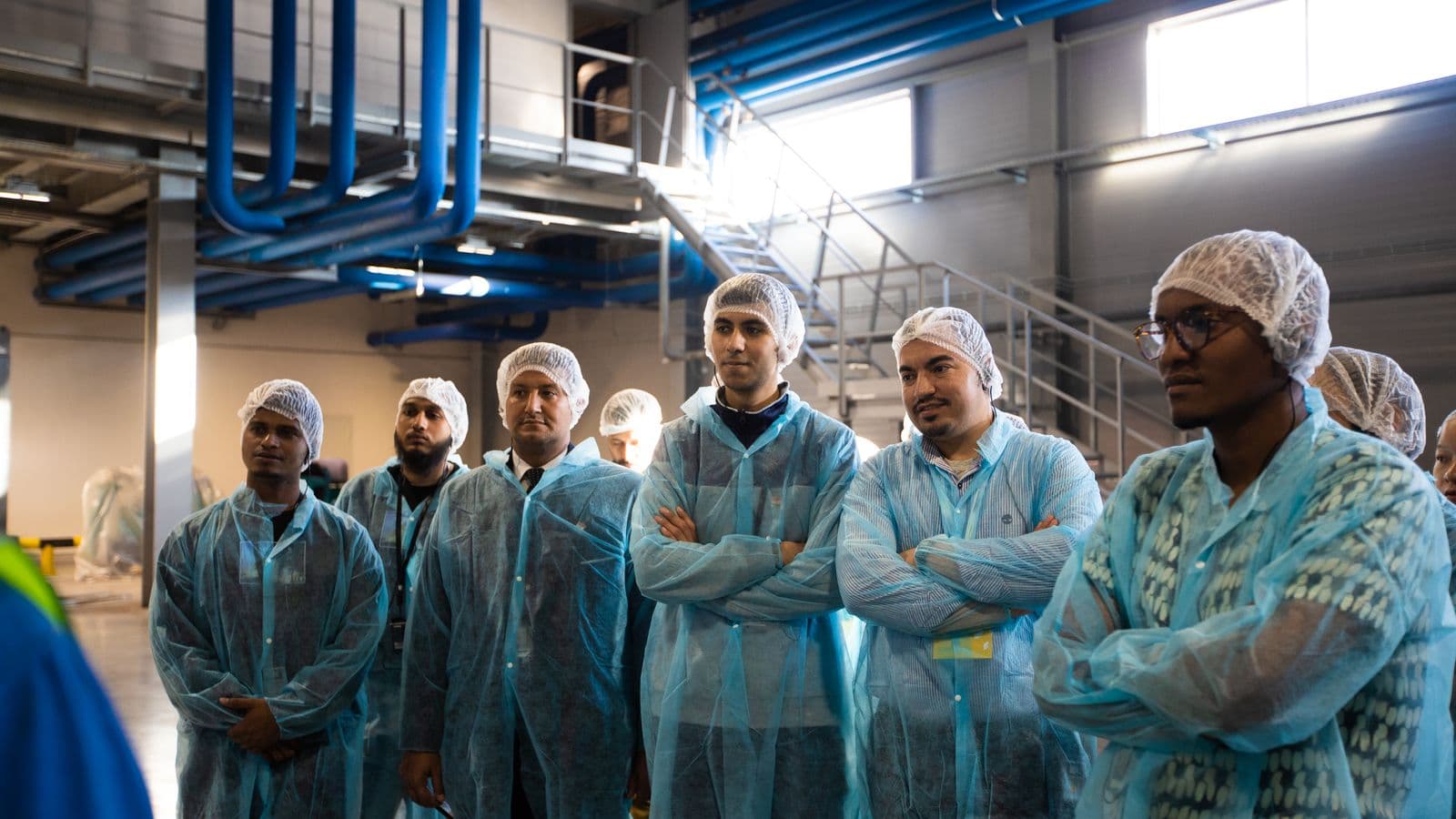
Attendance without the morning queue
Faces are recognised as people walk in, at walking pace. The clock in is recorded before they reach their bench, and the same recognition puts names on the camera view and tells you who is still inside when an alarm goes.
- Staff list with photo sign up from the dashboard
- Today, past shifts and raw clock ins, ready to export for payroll
- Permissions per person for restricted areas
- Departments and teams mapped to the real site
Proof instead of paperwork
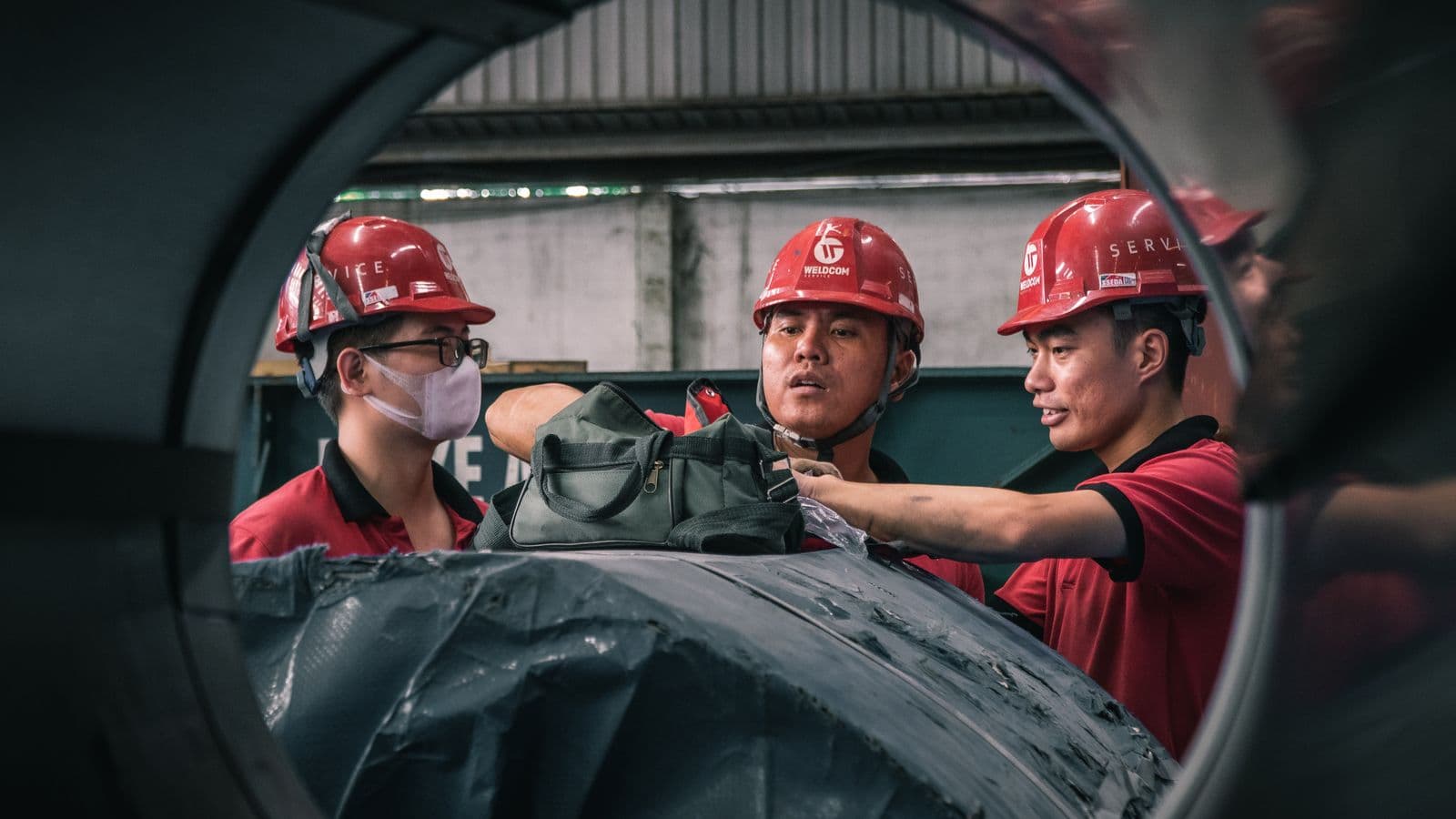
Every safety gear and phone alert arrives with the picture that caused it. Supervisors look at evidence rather than rely on memory, and the pattern across a shift or an area is visible without anyone building a spreadsheet.
- Helmet, vest, gloves, boots, mask and goggles checked per camera
- A picture saved with every single alert
- Reports by camera, by area and by day
- Totals by severity feeding the main dashboard
A headcount that does itself
A confirmed fire marks its area as dangerous and puts the site into evacuation. People are grouped as safe, still moving, or not seen yet. The warden works the not seen list first and can mark anyone by hand.
- Fire detection marks the danger area and starts the evacuation
- Live safe, still moving and not seen yet grouping
- Manual override on any person, because the warden is in charge
- Alert rules so the right people are told straight away
Areas the cameras understand
Draw your site once. Lines nobody should cross, areas with a headcount limit, time limits for standing in one spot and no go zones are all shapes on a camera view, not a rebuild of the system.
- Lines and areas drawn straight onto the camera view
- Time limits and headcount limits per area
- No go areas linked to who is allowed in
- Live site map across departments and areas
Each check is one job a camera can do, and all 23 of them run today. Switch one on and anything it needs comes with it, so you never wire up a dependency by hand.
Attendance
Staff are checked in and out by face. A short cool off stops one person being logged five times while they stand chatting near the door.
- No cards, no fobs, no fingerprint reader to clean between shifts.
- You decide how long the system waits before logging the same person again.
- HR gets timesheets they can export, and the floor gets a live count of who is on site.
- Needs
The cameras you already own
Standard security cameras. No special hardware to buy, no ripping out kit that is already fitted, wired in and working.
- Works with standard security cameras
- One camera can do several jobs at once
- Each camera set up on its own terms
Running on site is not a preference we added later. It is the rule the whole thing was built around, and it is what makes everything else on this page possible to promise.
Recordings and staff photos never cross the dashed line. What leaves is the result: a clock in, a safety alert, a plate, an area crossing, and the pictures you choose to keep as evidence.
Your video stays in your building
The work happens on a computer at your site. Alerts and totals reach your dashboard. Recordings and staff photos do not.
It keeps working when the line drops
Nothing depends on a steady internet connection or a rented server elsewhere. If the connection goes down, the cameras carry on watching.
Costs you can predict
No bill that grows every minute your cameras are on. You buy the hardware once and add to it when the site grows.
New checks without a rebuild
Adding a new kind of check is a setting, not an engineering project. Your existing records stay exactly as they are.
Settings that cannot contradict
Turn on attendance and face detection comes with it. Turn everything off and the camera goes back to a plain feed. There is no broken half state to get stuck in.
Every switch does something
Each check on the list is one the system actually runs. Turn it on and it works on your cameras that day, with nothing to wait for.
Answers in the same second
The camera and the computer sit on the same network, so a gate opens or a warning sounds while the person is still standing there.
Your records, in your hands
Attendance, alerts and evidence live in a database you hold. Export the lot whenever you want, and nothing is held hostage by a subscription.
The cameras you already own
Standard security cameras over your existing network. No proprietary units to buy and no cabling to pull through a working site.
One site or forty
Each site runs its own computer and answers for itself. Head office sees the totals across all of them without the video ever leaving any of them.
Updates when you say so
New versions go on when it suits your shift pattern. Nothing is pushed to your floor in the middle of a working day because a vendor shipped that morning.
Audits without a third party
Everything an auditor asks for sits on your own machine. A compliance review never becomes a support ticket with a software company.
Every screen reads the same records, so the number on the overview and the number in the headcount can never disagree. What someone sees depends on their job.
Overview
Headcount, today's attendance, safety alerts, hardware health and the live alert list on one screen.
A new camera does not start blank. It starts with the checks your kind of site usually needs, and you change it from there.
Shift attendance, gear on the line, fire across the floor
Everything switched on. Shift attendance at the staff gate, safety gear checked on the production line, and a fire watch across the whole floor.
- Shift attendance for hundreds of staff at once
- Safety gear checked where the machines are
- Evacuation headcount ready before the alarm stops
Switched on by default
What a camera sees, what the site does with it, and what you can ask of it afterwards. Every item below runs on your own hardware, and none of it needs a second supplier.
The work each camera does, frame by frame, on your own hardware.
- Twenty three checksPeople, attendance, safety gear, forklifts, fire, stock, docks and queues
- GateIQFace, plate, tailgating and safety gear in one gate record
- ActSenseTells working from idle from going the wrong way
- Settings testingTry settings on your own footage before you commit to them
- Spoken warningsA voice warning at the spot, in the local language
- Alerts tied to peopleSafety alerts linked to the person, not only the camera
What happens once the cameras stop being separate and start being one site.
- Area rulesLines, zones, time limits, headcount limits and no go areas
- SiteTrailFollow one person across every camera, no badge needed
- Evacuation headcountFire alert through to a live count of who is still inside
- Stock and spaceShelf gaps, bay occupancy and aisle heatmaps across the floor
- Hardware managementAdd site computers and watch how well each one is coping
- EdgeMeshMany sites in many countries, one view, video stays local
- Privacy VaultFull names, anonymous, or counts only, set per site
The part that turns a pile of events into something you can actually ask.
- Ask a questionPlain language answers across everything the system can see
- Witness SearchAsk for a red helmet at gate 3 around two o'clock
- Event GraphRebuild exactly what led up to an incident, minute by minute
- SafeBeforeShows you where the next accident is most likely
- OpsAgentActs on an alert instead of only reporting it
- Model ForgeTuned on your own site, still running on your own hardware
We would rather prove it on one entrance than sell you a whole site rollout that disappoints in month three.
- 01
Walk the site
We look at the cameras you have, where they point and what you actually need answered. Most sites need fewer new cameras than they expect.
- 02
Set up one computer
One machine on site, connected and configured. Each camera gets the checks that suit it, starting from a sensible default for your industry.
- 03
Prove it on one area
One entrance or one line, running live for two weeks. We test the settings against your own footage before anything is agreed.
- 04
Roll out and hand over
Areas drawn, staff signed up, access set, alert rules agreed. Your team runs it day to day and we stay on for support.
If one of these is your question, you do not need to send anything yet.
Almost never. GetTrack works with standard security cameras. What matters is where they point and how much detail they capture at that spot. A face at a doorway needs different framing than a helmet check across a yard. The site visit tells you exactly which cameras, if any, need moving or adding.
The more specific you are, the more useful our first reply is. Camera count, what keeps going wrong, and whether there is a deadline behind it. That is enough for us to come back with a real plan rather than a brochure.
A site visit costs you an hour and tells you what your existing cameras can already do. If the honest answer is less than you hoped, we would rather say so early than sell you a trial that disappoints.