

2D vs 3D Modeling for Websites: How to Choose the Right One
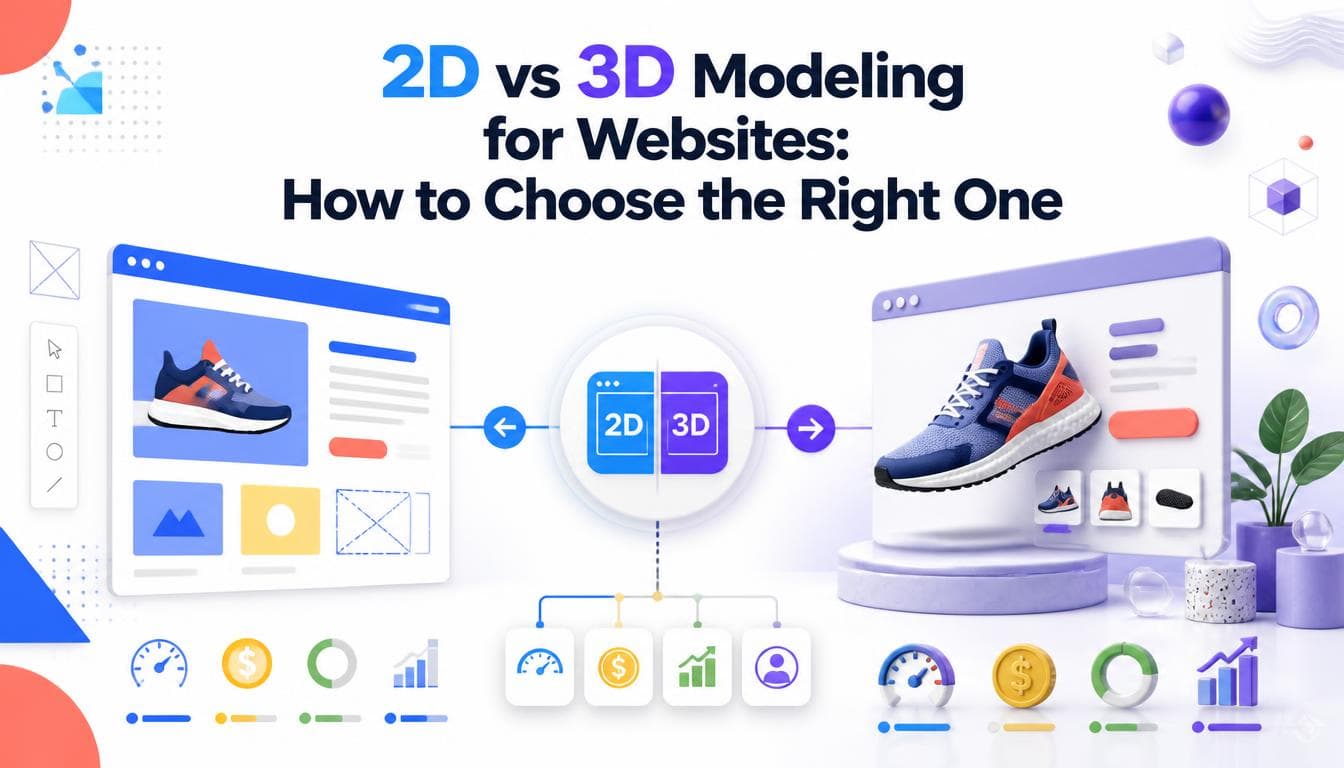
Deciding between 2D vs 3D modeling for a website isn't a question of which one looks more modern. It's a question of what the visitor needs to understand. Some ideas are clearer on a flat plane: a floor plan, a process, a system diagram. Others only make sense when you can see depth, turn the object and judge its scale. This guide compares the two, explains the trade-offs in cost, speed and upkeep, and gives you a straightforward way to choose for each part of your site.
What we mean by 2D and 3D on a website
2D visuals are drawn on a flat plane. On a website, that includes illustrations, icons, diagrams, technical drawings, floor plans and 2D animation. They communicate structure and relationships clearly, and they're light to load.
3D visuals start from a model with real geometry, materials and lighting. On a website they appear in two ways. The first is rendered images or video, where the model is photographed in a virtual studio and delivered as ordinary media. The second is real time 3D, where the model is drawn live in the browser, so the visitor can rotate it, zoom in, or change options.
That second distinction matters more than the 2D vs 3D label. A rendered 3D image loads and behaves like any other image. A real time 3D scene is software running on the visitor's device, with all the engineering that implies.
Where 2D works better
2D is the stronger choice when clarity beats realism. It excels at:
- Plans and layouts. A 2D floor plan communicates room sizes, flow and dimensions more precisely than a 3D view, which is why builders still work from them.
- Processes and systems. How data moves, how a service works, what happens after sign up. Depth adds nothing here and can add confusion.
- Brand illustration. Flat illustration can match a brand's palette and personality exactly, and it's easy to extend.
- Technical documentation. Exploded diagrams, callouts and dimensioned drawings read cleanly in 2D.
- Performance sensitive pages. A well made SVG illustration weighs very little and renders instantly.
2D is also generally faster to produce and easier to update. Changing a label or a colour in an illustration is a small job.
Where 3D works better
3D earns its place when the visitor's question is about the physical thing:
- Shape and scale. Furniture, equipment and products where "how big is it?" and "what does the back look like?" are real buying questions.
- Materials and finish. How a fabric, metal or surface looks under light, and how options compare.
- Configurable products. When there are too many combinations to photograph, a model can show all of them.
- Spaces that don't exist yet. Interior and exterior renders let clients see a building or room before it's built.
- Mechanisms. Parts that move, open or fit together, which a single photograph can't explain.
For online stores, that's the core of 3D product modeling for eCommerce: one accurate model that feeds renders, a 3D viewer and a configurator.
The trade offs that decide it
Cost and production time
2D assets are typically quicker to produce, especially for diagrams and plans. 3D involves modelling, materials, lighting and rendering, and real time 3D adds engineering on top. The balance shifts when you need many variants: once a 3D model exists, each new angle or colourway is cheap, whereas each new 2D view is new drawing work.
Page speed
A 2D illustration is usually tiny. A rendered 3D image is similar in weight to a product photo. Real time 3D is the heaviest option: the model, textures and rendering code all have to load, and the scene then has to run smoothly on the visitor's hardware. Done well, it loads after the page is usable and falls back to a still image on weaker devices. Done badly, it's the slowest thing on the page.
Accessibility and SEO
Neither 2D nor 3D is readable by a screen reader or a search engine on its own. Both need real text on the page: alt text for images, captions for diagrams, and product content in HTML rather than inside a 3D canvas. Real time 3D also needs keyboard access and a reduced motion alternative.
Maintenance
2D assets are easy for most design teams to update. 3D models need someone who can open and edit the source files. Make sure you receive the editable masters, not just the exported images or web files.
A simple way to choose
Ask one question per page: what does the visitor need to understand before they take the next step?
- If the answer is a relationship, sequence or layout, use 2D.
- If the answer is what the physical thing looks like from any angle, use rendered 3D images.
- If the answer depends on the visitor's own choices, such as colours, options or configuration, use real time 3D.
- If you're not sure, start with 2D or rendered 3D and add interaction later, once you know which questions visitors actually ask.
Most good sites mix both. A product page might use rendered 3D images in the gallery, a real time viewer for inspection, and 2D diagrams for dimensions and specifications. An architecture practice might pair 2D floor plans with 3D interior renders of the same space.
How 2D and 3D fit into the wider build
Visual assets only work if the site around them does. Real-time 3D in particular is as much an engineering decision as a design one, and it's the kind of thing our immersive web experiences team plans around a frame budget before any modelling starts. It's also one of the clearest forms of what makes a site genuinely interactive.
For stores, the visuals have to sit inside a fast, crawlable catalogue. Our eCommerce industry page covers how 3D viewers and configurators fit alongside page speed and catalogue SEO, and our ultimate guide to eCommerce website development covers the platform decisions underneath.
On the production side, our 2D and 3D modelling service covers floor plans, interior and exterior renders, and product models, built in tools such as SketchUp, Blender, AutoCAD, 3ds Max and V Ray depending on what the project needs.
Frequently asked questions
What is the main difference between 2D and 3D modeling?
2D modeling produces flat drawings such as plans, diagrams and illustrations, which show layout and relationships precisely. 3D modeling builds an object or space with depth, materials and lighting, so it can be viewed from any angle. 2D is usually clearer for technical information, and 3D is better for showing what something actually looks like.
Is 3D always better for a website?
No. 3D is more convincing for physical products and spaces, but it's heavier, slower to produce and harder to maintain. For processes, systems, plans and brand illustration, 2D is often clearer and faster. The right choice depends on what the visitor needs to understand on that page.
Does 3D slow down a website?
Rendered 3D images load like normal photos, so they have little extra impact. Real time 3D can slow a page if it's not optimised, because the model and textures must download and render on the visitor's device. Loading it after the page is usable, compressing assets and providing a still image fallback keep the impact low.
Can one project use both 2D and 3D?
Yes, and many of the best sites do. A common pattern is 2D floor plans or diagrams for precise information, paired with 3D renders or a live viewer for visual realism. Using the same source measurements for both keeps them consistent.
Should I start with 2D or 3D?
If budget or timeline is tight, start with the format that answers your visitors' most common question. For many businesses that's 2D diagrams or rendered 3D images, with real time 3D added for key products once you know it will change decisions. Starting with a reusable 3D model can pay off if you expect many variants.
Written by the Getweys studio — Austin, Karachi, Auckland.