

2D Animated Explainer Videos: A Practical Guide for Businesses
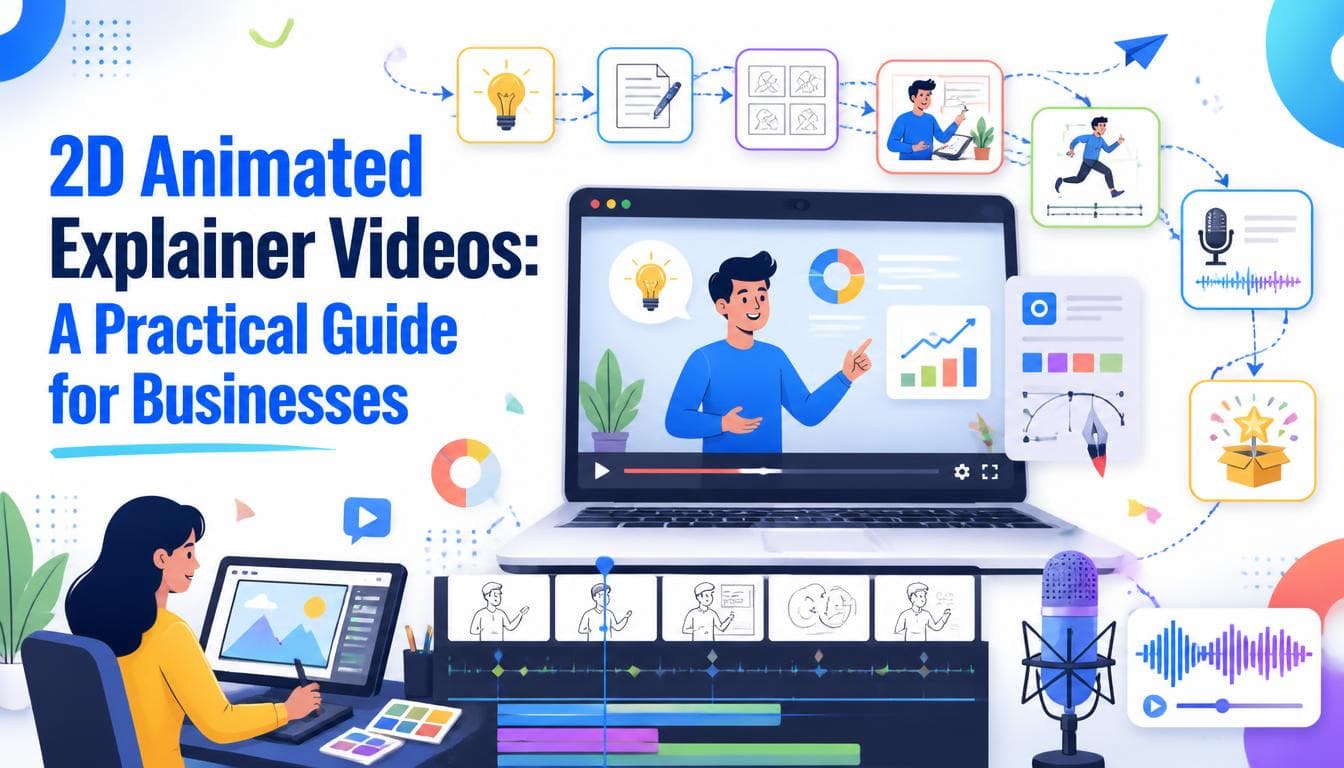
A 2D animated explainer video is a short, illustrated film that explains one thing well: what your product does, how a process works, or why a customer should care. It sits on a landing page, at the top of a sales deck, or in a paid ad, and it does the job a paragraph of copy keeps failing to do. This guide covers when a 2D explainer is the right format, how production actually runs, and what separates one that gets watched from one that gets skipped.
What a 2D animated explainer video actually is
The format combines three things: a tight script, flat or lightly shaded illustration, and motion graphics that move the idea forward frame by frame. Most explainers run somewhere between one and two minutes, with a voiceover carrying the narrative and on screen visuals reinforcing each point rather than repeating it.
"2D" is about the look, not the quality. Characters, icons, interfaces and diagrams are drawn on a flat plane and animated, which is why the format suits abstract products so well. You can show data moving between systems, a customer's problem shrinking, or a process that happens inside a machine, none of which a camera can film.
It's worth separating the explainer from its close relatives. A promo video is shorter and built to create interest, not understanding. An infographic video is data led and often has no characters at all. An explainer is built around comprehension: a viewer should finish it able to describe your product to someone else.
When a 2D explainer is the right choice
A 2D explainer earns its place when the thing you sell is hard to see. Good signs include:
- The product is abstract. Software, financial products, integrations and services have no physical form to photograph.
- Visitors keep asking the same question. If sales calls open with "so what does it actually do?", the website isn't answering it.
- The process has steps. Onboarding, claims, treatment journeys and logistics flows all benefit from being shown in sequence.
- You need to stay on brand at any scale. Illustration can match your palette and typography exactly, and it can be updated without a reshoot.
- You're explaining across languages. Swapping a voiceover and on screen text is far cheaper than refilming.
It's the wrong choice when the product's appeal is physical: texture, finish, fit, or how it looks in a real room. That's a job for photography, live action, or a real time 3D viewer. If you're weighing video against something the visitor can interact with, our guide to what an interactive website is covers where interaction does more work than playback, and our immersive web experiences team builds the in browser 3D side of that decision.
How explainer video production works
A well run production follows the same four stages our 2D animated video service uses: discovery and strategy, script and storyboarding, animation and production, then optimisation and delivery. Each stage has a sign off, and the sign offs are what keep revisions cheap.
Discovery and strategy
Before anyone writes a line, agree on three things: who the viewer is, what they should understand by the end, and what they should do next. One audience, one message, one action. Explainers that try to serve investors, customers and new hires at the same time end up serving none of them.
Script
The script is the most important document in the project, and it's the cheapest one to change. A typical voiceover pace is roughly 130 to 160 words a minute, so a 90 second explainer has room for about 200 to 240 words. That limit is useful. It forces you to cut every feature that isn't the main point. The same discipline applies to the page the video sits on, which is why it pays to write the script alongside the surrounding website content rather than in isolation.
A reliable structure is problem, turn, solution, proof, call to action. Open with the viewer's situation in their words, show the moment your product enters, explain how it works in two or three steps, and close with a single clear next step.
Storyboard and style frames
The storyboard turns each line of script into a rough frame, so you can see the whole film before it's animated. Style frames then show a few finished stills in the final look: colours, character design, type. Approve both before animation starts. Changing a character's design after animation begins means redrawing every scene it appears in.
Animation, voiceover and sound
With the script and boards locked, the voiceover is recorded first, because animation is timed to it. Then comes the motion work, followed by music and sound design.
Optimisation and delivery
The final stage is exports for every place the video will live: a widescreen master for the website and YouTube, square and vertical cuts for social feeds, and captioned versions for autoplay, where most viewers start with the sound off.
What makes an explainer video convert
Plenty of explainers are well animated and still don't move anyone. The ones that work tend to share a few habits:
- The first five seconds name the viewer's problem. Not your company name, not a logo sting.
- One idea per scene. If a scene has to explain two things, split it.
- Visuals add information. When the voiceover says "fast", the animation should show something being fast, not the word "fast" on screen.
- The interface is simplified, not screenshotted. A stylised version of your product reads better at small sizes and ages more slowly than a literal capture.
- Captions are designed in, not bolted on. They're part of the layout from the storyboard stage.
- The call to action matches the page. If the video sits above a demo form, it should end by asking for the demo.
Where to put your explainer
Placement matters as much as production. On a website, the explainer belongs close to the point where a visitor decides whether to keep reading, usually near the top of the homepage or a product page. Give it a real poster frame rather than a black box, and don't let it autoplay with sound.
Lazy load the player so it doesn't slow the page down on first paint. A heavy embedded player can hurt the load time of the very page it's meant to improve, which is a problem you want your developer to solve, not discover after launch.
Beyond the website, the same master can be cut for paid social, email campaigns, sales follow-ups and onboarding. If the video will anchor a campaign, bring your social media marketing plan into the storyboard stage so each platform's cut is designed, not cropped. Planning those cut-downs during storyboarding is much cheaper than trying to carve them out of a finished film.
How to brief an animation studio
A good brief shortens the project more than any production trick. Include:
- the single message the video must land, in one sentence
- who the viewer is and what they already know
- where the video will be published and in which aspect ratios
- your brand guidelines, fonts and any existing illustration style
- two or three reference videos you like, with a note on why
- the action you want viewers to take at the end
- who signs off, and how many rounds of feedback you expect
If budget is the open question, our companion piece on what drives the cost of an animated explainer video breaks down the factors that move a quote up or down.
Frequently asked questions
How long should a 2D animated explainer video be?
Most explainers work best between 60 and 120 seconds. That's long enough to cover a problem, a solution and a call to action, and short enough that most viewers finish it. If your script needs more time, it usually means the video is trying to explain more than one idea.
How long does it take to produce an explainer video?
It depends on length, style and how quickly feedback comes back. The script and storyboard stages often take as long as the animation itself, because that's where decisions get made. A clear brief and a single decision-maker are the two things that shorten timelines most.
Is 2D animation better than live action for explaining a product?
For abstract products like software, services or processes, 2D animation is usually clearer, because it can show things a camera cannot film. Live action is stronger when the product's appeal is physical or when real people and places are the point. Many brands use both for different stages of the funnel.
Can an explainer video be updated when the product changes?
Yes, and that's one of the format's advantages. Because every element is illustrated, a changed interface, price or feature can often be redrawn in the affected scenes without remaking the whole video. Keeping the project files and a clean scene structure makes those updates far easier.
Do explainer videos help with SEO?
A video can support a page's search performance by keeping visitors engaged and giving search engines another asset to understand, especially with a transcript and proper video markup. It won't rank a weak page on its own, so treat it as part of the page's content rather than a replacement for it.
Written by the Getweys studio — Austin, Karachi, Auckland.