

Accessible Government Websites: A Practical WCAG 2.2 AA Guide
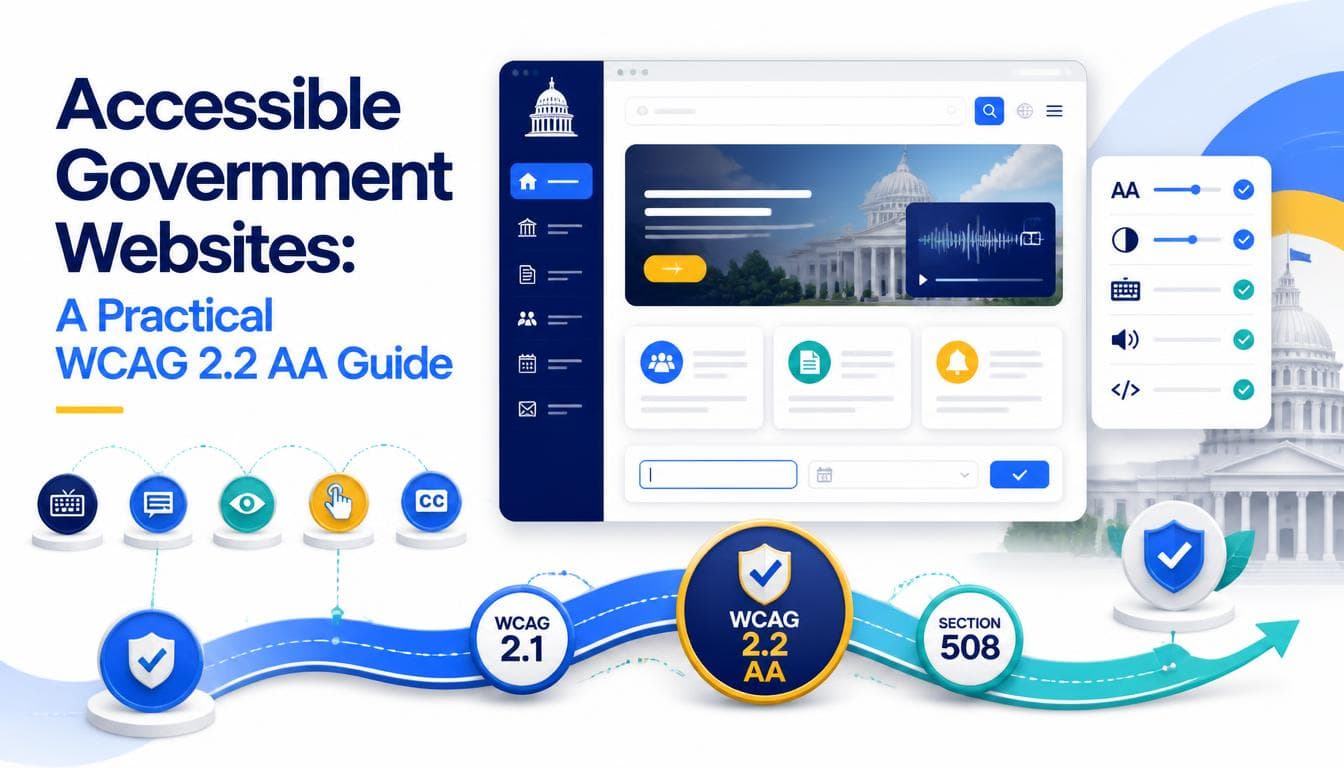
Accessible government websites are not a courtesy. For most public bodies, accessibility is a stated requirement with a version number and a conformance level attached, and for the people who rely on public services it is the difference between completing a task and giving up. This guide explains what the standards actually say, where they apply, and how to design, build and test a site that meets them rather than one that only passes an automated scan.
The standards, without the jargon
The Web Content Accessibility Guidelines (WCAG) are published by the W3C. They are organised under four principles: content must be perceivable, operable, understandable and robust. Each guideline has testable success criteria at three levels, A, AA and AAA. Level AA is the level that laws and tenders almost always reference. Level AAA is not generally required for whole sites, because some of its criteria cannot be met for all content.
- WCAG 2.1 was published in 2018. It added criteria for mobile, low vision and cognitive accessibility, such as content reflowing at narrow widths and minimum contrast for interface components.
- WCAG 2.2 was published in October 2023. It builds on 2.1, adding criteria such as focus not being hidden behind sticky headers, a minimum size for pointer targets, alternatives to dragging, and accessible authentication that does not depend on memorising or transcribing information. It also marked the old "parsing" criterion as obsolete.
Because 2.2 is backwards compatible with 2.1 apart from that removed criterion, a site that meets 2.2 AA will generally meet 2.1 AA as well. Building to 2.2 AA is the sensible default for new work, even where the requirement still names 2.1.
Where the rules apply
The exact obligation depends on who you are and where you operate, so treat this as orientation rather than legal advice.
- US federal agencies must meet Section 508 of the Rehabilitation Act. The 2017 refresh of the Section 508 standards incorporates WCAG 2.0 Level A and AA by reference, so federal websites are measured against those criteria as a baseline.
- US state and local governments are covered by Title II of the Americans with Disabilities Act. A 2024 Department of Justice rule adopted WCAG 2.1 AA as the technical standard for their web content and mobile apps, with compliance dates phased by the size of the population served. Check the current DOJ guidance for the dates that apply to you.
- The European Union requires public sector bodies to make websites and apps accessible under the Web Accessibility Directive, measured against the harmonised standard EN 301 549, which is aligned with WCAG AA.
- The United Kingdom has its own public sector accessibility regulations, which include publishing an accessibility statement.
Elsewhere, tenders often name WCAG AA directly. Whatever applies, the practical work is the same.
Design decisions that decide compliance
Many accessibility failures are baked in at the design stage. If the mockups fail, the build will too. Check these before a single component is coded:
- Contrast. Normal text needs a contrast ratio of at least 4.5:1 against its background, and large text at least 3:1. Icons, input borders and focus indicators need at least 3:1 against adjacent colours.
- Colour is never the only signal. Required fields, errors and chart series need a text label or pattern as well as a colour.
- Visible focus. Every interactive element needs a clear focus style, and sticky headers or cookie banners must not cover the focused element.
- Target size. WCAG 2.2 AA sets a minimum of 24 by 24 CSS pixels for pointer targets, with some exceptions for spacing and inline links. Larger is better for anyone using a phone.
- Reflow and zoom. Content should work at 320 CSS pixels wide without scrolling in two directions, and text should remain usable when resized to 200 percent.
- Consistent help. If a page offers help, such as a phone number or contact link, it should appear in the same relative place across pages.
Build decisions that decide compliance
The build is where good designs quietly break. The most common issues on public sector sites are well known and entirely avoidable:
- Use real semantic HTML: headings in order, lists as lists, buttons as buttons and links as links. Most screen reader navigation depends on this structure.
- Give every form field a programmatic label, not just placeholder text.
- Write error messages that identify the field and explain the fix, and move focus or announce them so screen reader users know something went wrong.
- Make every function operable with a keyboard alone, in a logical focus order, with no keyboard traps in menus or modal dialogs.
- Provide text alternatives for meaningful images, and empty alternatives for decorative ones.
- Caption video and provide transcripts for audio.
- Avoid time limits, or warn users and let them extend them.
- Do not ask people to re enter information they already provided in the same process.
- Use ARIA sparingly and correctly. Incorrect ARIA often makes a component less accessible than plain HTML would.
PDFs deserve their own mention. Government sites often publish crucial information only as scanned or untagged PDFs, which are difficult or impossible for many assistive technology users. Where the content is important, publish it as an HTML page and offer the PDF as a download.
Our web development practice builds these patterns into shared components, so accessibility is enforced once and inherited everywhere rather than rechecked on every page.
Testing: why a scan is not an audit
Automated tools reliably find missing alternative text, low contrast and missing labels. What they cannot judge is whether the alternative text is meaningful, whether the focus order makes sense, whether an error message is understandable, or whether a custom widget actually works with a screen reader.
A credible testing process includes:
- Automated checks in the development pipeline to catch regressions early.
- Manual keyboard testing of every template and every form.
- Screen reader testing with at least one desktop and one mobile screen reader.
- Zoom and reflow checks at 200 percent and at narrow widths.
- Where possible, sessions with disabled users who rely on assistive technology.
The result should be a written audit mapped to the success criteria, with known issues and a plan to fix them. That audit, and an accessibility statement based on it, should be handed to the client with the site, not kept by the supplier.
Many of the same checks also help search. Clean heading structure, descriptive link text, fast pages and HTML alternatives to PDFs make content easier for crawlers to understand, which is why accessibility and technical SEO reviews often share findings.
Keeping it accessible after launch
Accessibility degrades as editors upload images without alternative text and embed third-party widgets. To keep a site compliant:
- Train content editors on the handful of things they control: headings, link text, alternative text and plain language.
- Build guardrails into the CMS, such as required alternative text fields and restricted heading levels.
- Re-audit after significant changes and on a regular schedule.
- Give users an easy way to report accessibility problems, and respond to them.
Beyond government
These requirements are strictest in the public sector, but they are not unique to it. Healthcare organisations face very similar expectations because their audience includes many people with disabilities, which is why our healthcare work follows the same standard. For the wider picture of structure, content and procurement, see our government website design guide.
On our government and public sector projects we build to WCAG 2.2 AA, test with assistive technology rather than a scan alone, and hand over the audit alongside the site.
Frequently asked questions
What is the difference between WCAG 2.1 and WCAG 2.2?
WCAG 2.2, published in October 2023, keeps the criteria of 2.1 and adds new ones covering things like focus visibility, target size, dragging alternatives and accessible authentication. It also removed the obsolete parsing criterion. A site that meets 2.2 AA will generally also meet 2.1 AA.
Does Section 508 apply to state and local government websites?
Section 508 applies to US federal agencies and the technology they develop, procure, maintain or use. State and local governments are covered by Title II of the ADA, under which a 2024 Department of Justice rule set WCAG 2.1 AA as the technical standard. Some states also have their own accessibility laws, so it is worth checking locally.
Can an automated accessibility checker make our site compliant?
No. Automated checkers catch a useful share of issues quickly, but many success criteria need human judgement, such as whether alternative text is meaningful or whether focus order is logical. A proper audit combines automated tools with manual keyboard and screen reader testing.
Do we need to meet WCAG AAA?
Usually not. Laws and tenders almost always require level AA, and the W3C itself does not recommend AAA as a general requirement for entire sites because some content cannot meet it. You can still adopt individual AAA criteria where they help your users.
Are PDFs covered by accessibility requirements?
Yes. Documents published on a website are generally expected to be accessible too. Where the information is important, publishing it as an HTML page is usually the more accessible and more maintainable option, with the PDF offered as an additional download.
Written by the Getweys studio — Austin, Karachi, Auckland.